
Focus Analytics: Find Your Most Productive Hours
Your strongest focus period may be in the morning, afternoon, or evening. Instead of forcing a schedule based on generic...
Read Article →A free online Pomodoro timer with configurable focus sessions, task tracking, and optional ambient sound. No sign-up required.
Our timer keeps setup simple so you can choose a task, start a session, and take a deliberate break.
Choose the work and break lengths that fit your task, or use the classic 25-minute focus and 5-minute break pattern.
Track your to-do list alongside your timer. Estimate "Pomos" per task and monitor your real-time progress.
Review completed sessions and streaks to notice patterns in your focus routine.
A pomodoro timer is a simple yet powerful tool designed to help you manage your time by breaking work into focused intervals, typically 25 minutes long, separated by short breaks. This rhythm, known as the Pomodoro Technique, gives work sessions and breaks a clear structure.
Our free pomodoro timer provides a visual countdown, task list, and optional ambient sounds. Use it for study, writing, planning, or any task that benefits from a defined work interval.
Ready to start? Add one specific task, choose a session length, and press START. You can also read more about our productivity philosophy or explore our latest focus guides on the blog.
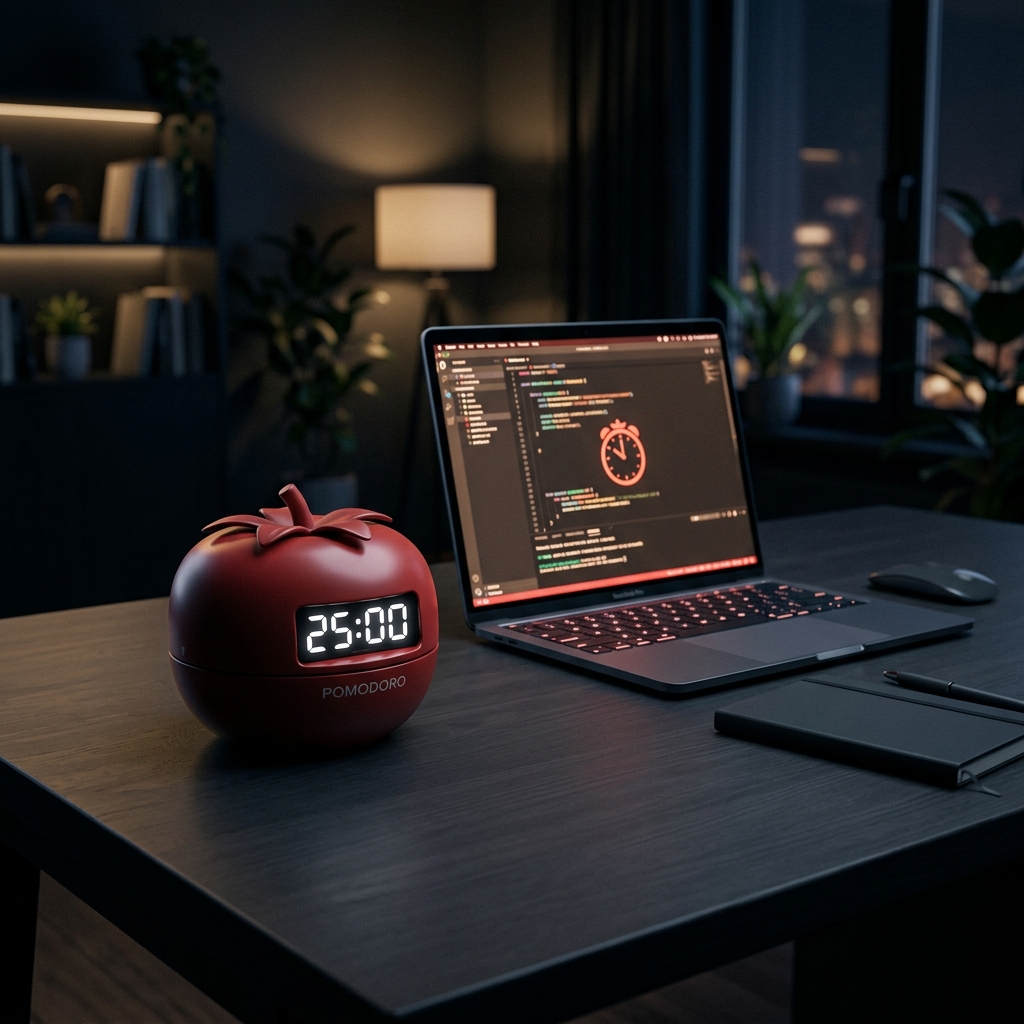
Follow these six steps to set up a practical pomodoro timer routine.
Click Add Task below the timer. Name the task and estimate how many 25-minute focus sessions (Pomodoros) it will take.
Hit START and commit to focused work. Silence your phone. Close distracting tabs. Work for the full 25 minutes.
When the alarm rings, take a 5-minute break. Step away from your screen, stretch, breathe — let your brain consolidate the work.
Each Pomodoro + break is one cycle. Keep focused. Mark tasks complete after each session to track your real progress.
After completing 4 Pomodoros, reward yourself with a 15–30 minute long break. Use the longer break to step away before beginning another cycle.
Analyze your progress with the Report feature. Track your daily focus hours and streaks to refine your pomodoro timer strategy.
Everything you need to know about the Pomodoro Technique and this timer.
The Pomodoro Technique is a time management method developed by Francesco Cirillo in the late 1980s. Named after a tomato-shaped kitchen timer ("pomodoro" is Italian for tomato), the method works by breaking work into 25-minute focused sessions followed by 5-minute breaks. After 4 sessions, you take a longer 15–30 minute break. The fixed work-and-break pattern gives each session a clear start and stopping point.
The timer is currently free to use and does not require an account to start a session.
Yes. Open the page and click START. Tasks and settings are stored locally in your current browser.
The classic Pomodoro is 25 minutes of work followed by a 5-minute break. The default is only a starting point. Some tasks benefit from a longer uninterrupted block, while shorter sessions can make it easier to begin. You can customize all durations in the Settings to find your personal rhythm. Start with the 25/5 default and adjust from there.
Some people prefer shorter, structured work periods. Experiment with a session length that feels manageable for you. This timer is a productivity tool, not medical advice or treatment.
Our timer includes 9 ambient soundscapes: Soft Rain, Quiet Cafe, Forest Birds, River Stream, Thunderstorm, Fireplace, Train Travel, White Noise, and Ocean Waves. Choose the soundscape that feels least distracting in your environment.
The Pomodoro Technique uses a fixed 25-minute countdown timer, providing rigid structure and clear task boundaries — ideal for routine or administrative work. The Flowtime Technique uses a stopwatch instead: you work until you notice your focus declining, then stop and choose a break based on the length and intensity of that session. Flowtime may suit creative or complex tasks when a fixed alarm would interrupt a natural stopping point.
Explore practical articles on our productivity blog to help you explore focus habits and pomodoro timer workflows.
Your strongest focus period may be in the morning, afternoon, or evening. Instead of forcing a schedule based on generic...
Read Article →
A study timer is most useful when it turns a vague plan into one small, testable session. Instead of “study...
Read Article →Last reviewed: September 6, 2026. A study timer should make starting easier, not bury you in settings. This comparison checks...
Read Article →